A sample made for your job post
Connect your phone
One scene from your list, built as a single Rive file. Use the buttons below to switch between light and dark, turn on reduced motion and step through the four states. Hover or tap the phone for a small wiggle.
LIVE RIVE
The scene didn't load. Try refreshing the page.
Theme
Motion
State
Placeholder brand
I picked the colors and screen content myself, since I don't have your brand pack yet. In your set they'd come from your own colors, logo and icons.
What's in the file
1 .riv fileOne artboard, one state machine
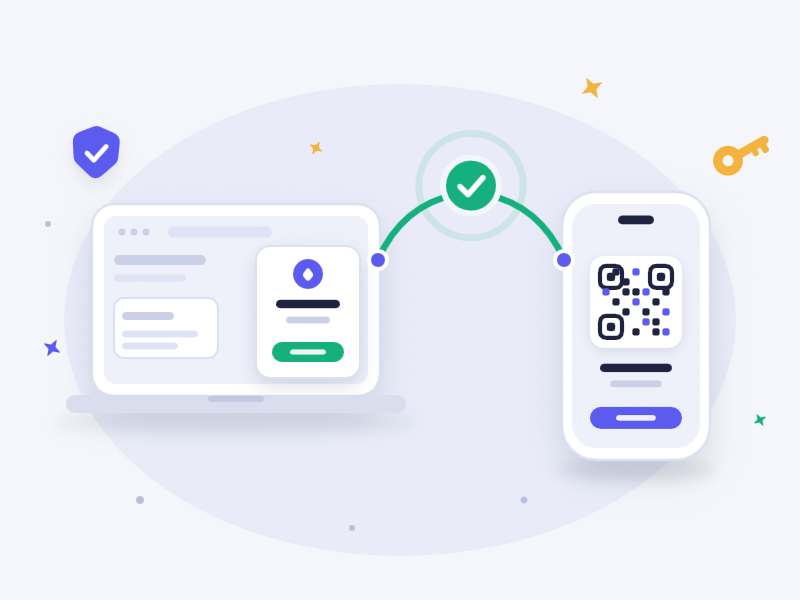
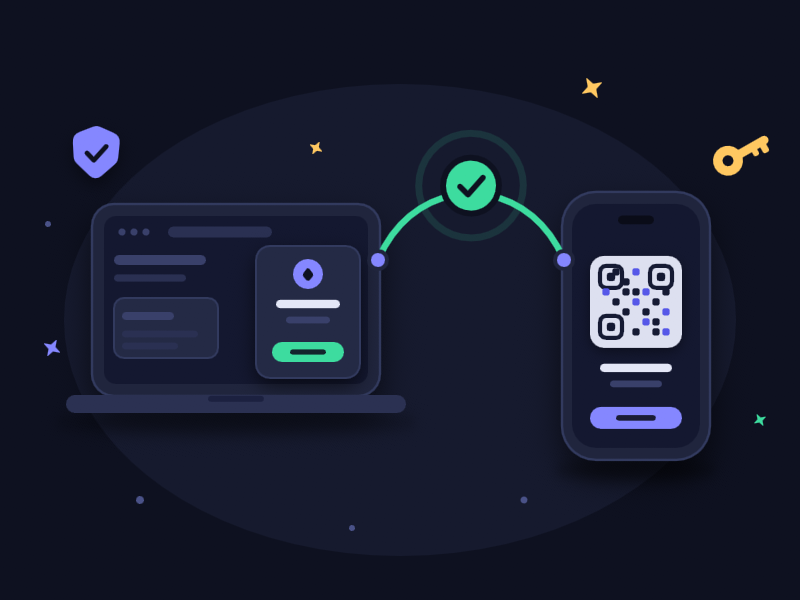
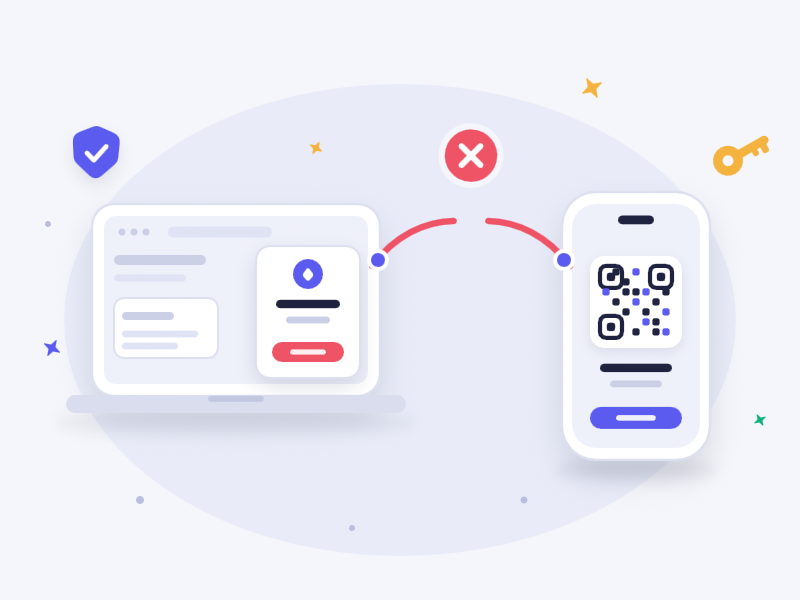
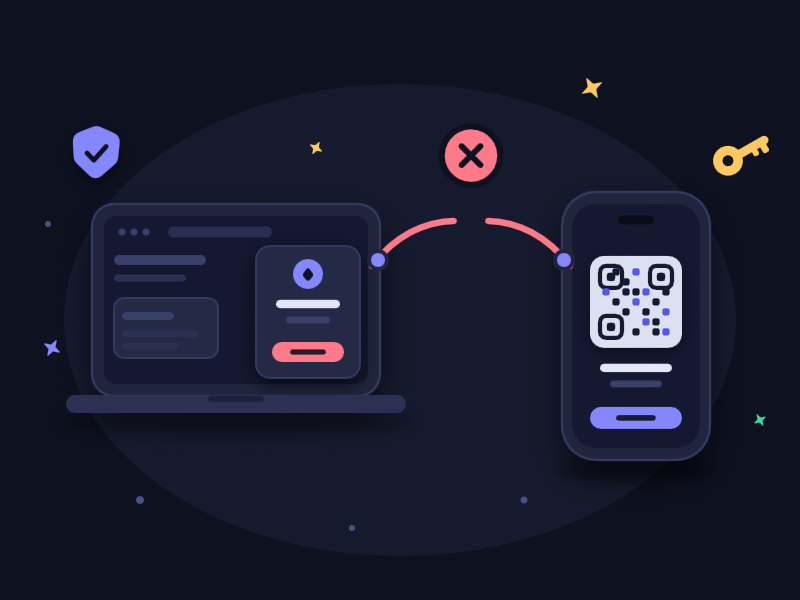
4 statesIdle, connecting, success, error
Light + darkEach palette drawn separately
Reduced motionA still frame for every state
Your developers control the scene from the app with three inputs: dark, reducedMotion and status. Changes blend in under a third of a second and can be interrupted, so a fast success or error doesn't look like a jump cut. The file's accessibility label changes with the state too.
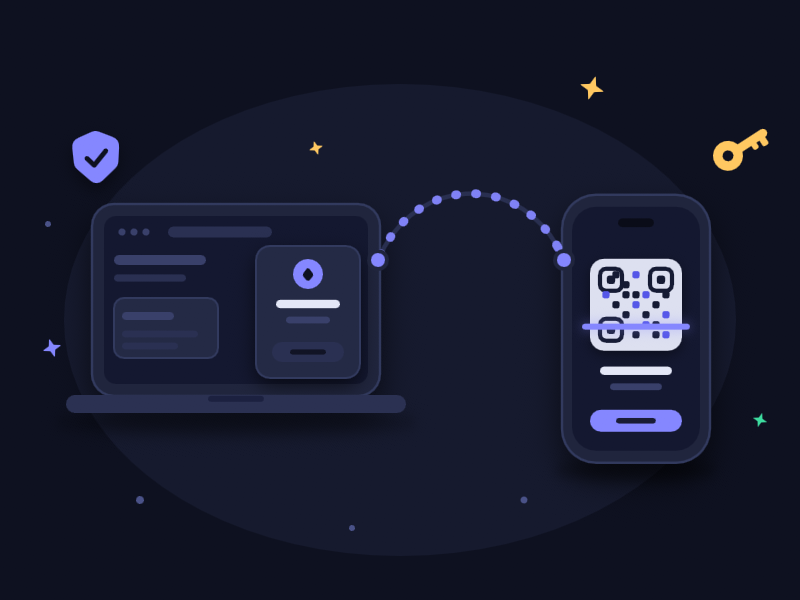
Every state, light and dark
Frames rendered from the same file.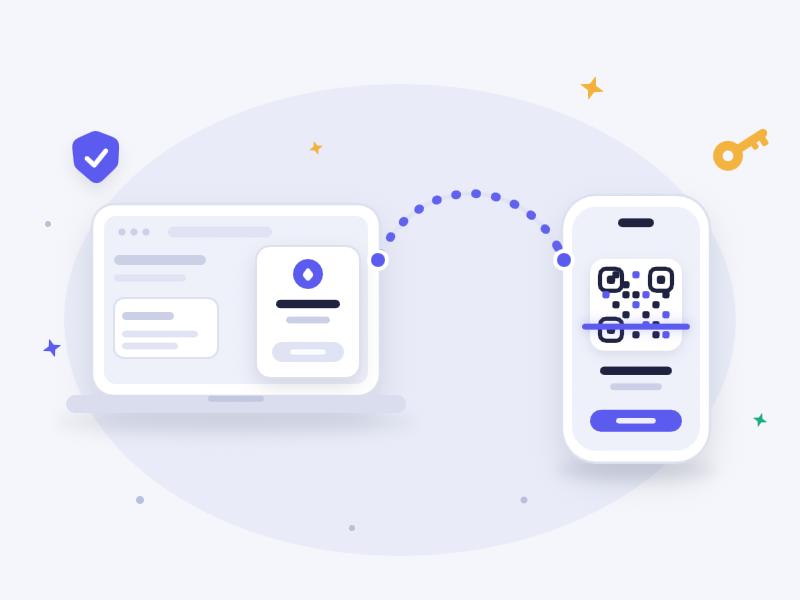
The wallet in this sample is made up. No real brand or logo is used.